
What's new at a glance
Interline Search Enhancements
Filter Interline Results Faster
Interline searches can return hundreds of flight options. CargoMART now introduces dynamic filtering capabilities to help airlines narrow down results and identify relevant routes more efficiently.
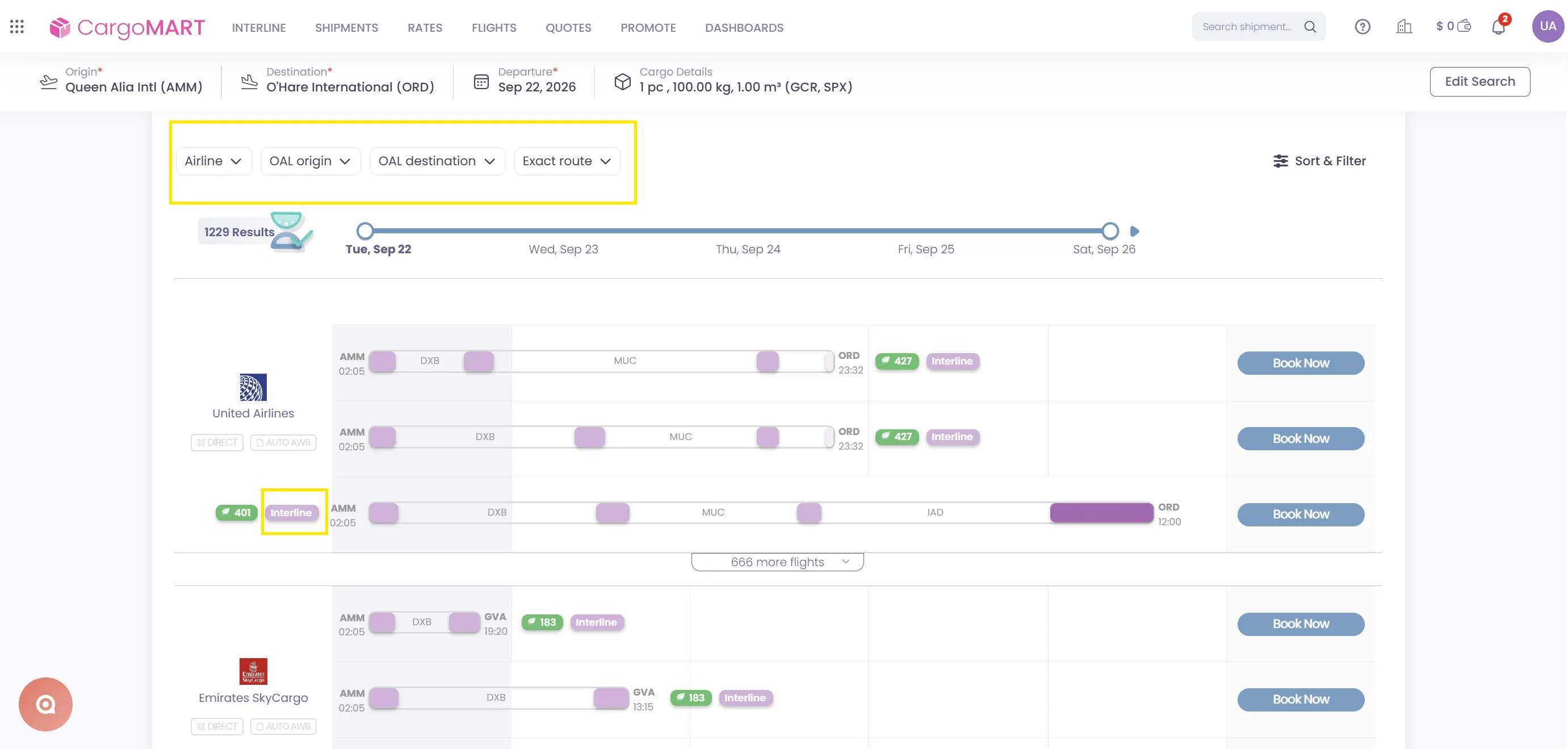
You can now refine your Interline search using four dedicated filters:
- Partner Airline: Filter results by the airline operating the partner leg.
- Partner Leg Origin: Select the departure airport of the partner leg.
- Partner Leg Destination: Narrow results by the partner leg's arrival airport.
- Exact OAL Leg Route: Filter by a specific other-airline route.
Each filter supports multiple selections, allowing you to explore several matching options simultaneously.
You can also combine different filters, such as Partner Airline and Partner Leg Origin, to further refine your results.
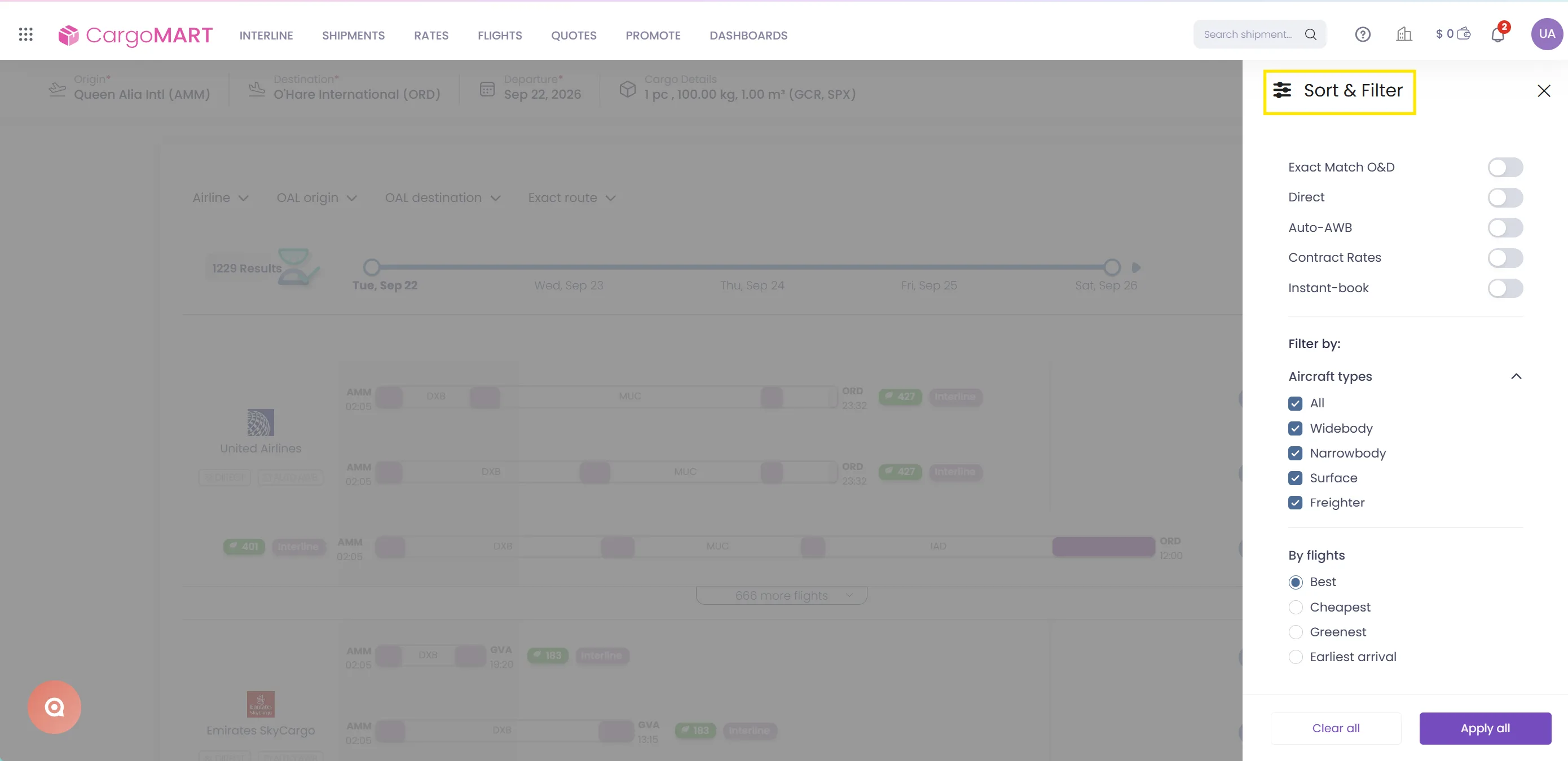
The available filter values automatically adjust based on your selections, ensuring that only relevant options are displayed.
When starting a new search, filters refresh automatically to reflect the latest results.
The original search filters remain accessible through the Sort and Filter side panel.
Spend less time navigating extensive Interline search results and more time identifying the right connections. Dynamic filtering makes it easier to compare relevant options, particularly when managing multiple partner airlines and complex routings.
Allotment Capacity Visibility
See Allotment Capacity at a Glance
CargoMART now makes it easier to identify Interline routes backed by allotment capacity throughout the search and booking process.
Allotment information is displayed at three key stages of the booking journey.
1. Search Results
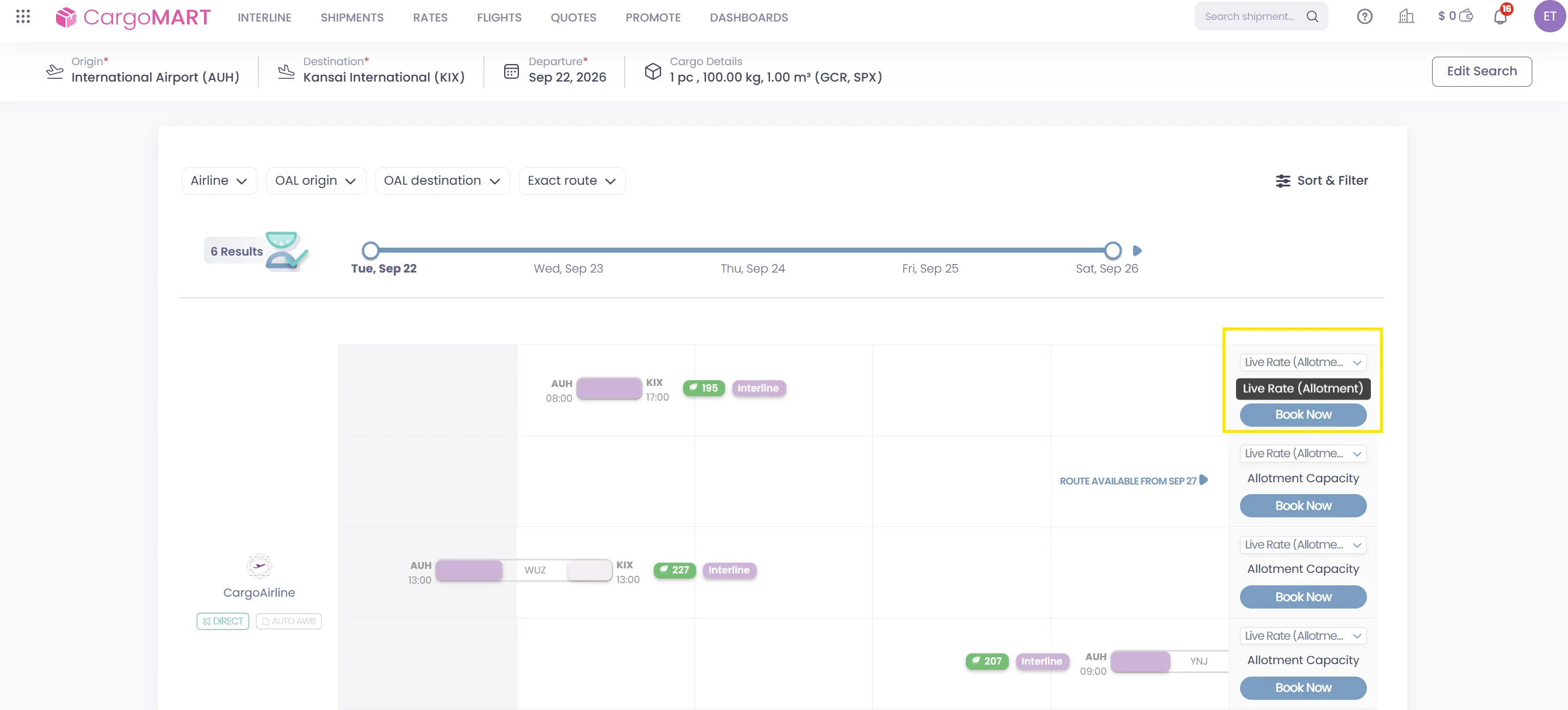
When an Interline route is backed by allotment capacity, an Allotment Capacity label appears above the Book Now button.
This allows you to identify relevant options directly from the search results without opening each individual route.
2. Route Details
When reviewing flight details, you can see the corresponding airline or GSA allotment code associated with the route.
3. Booking Page
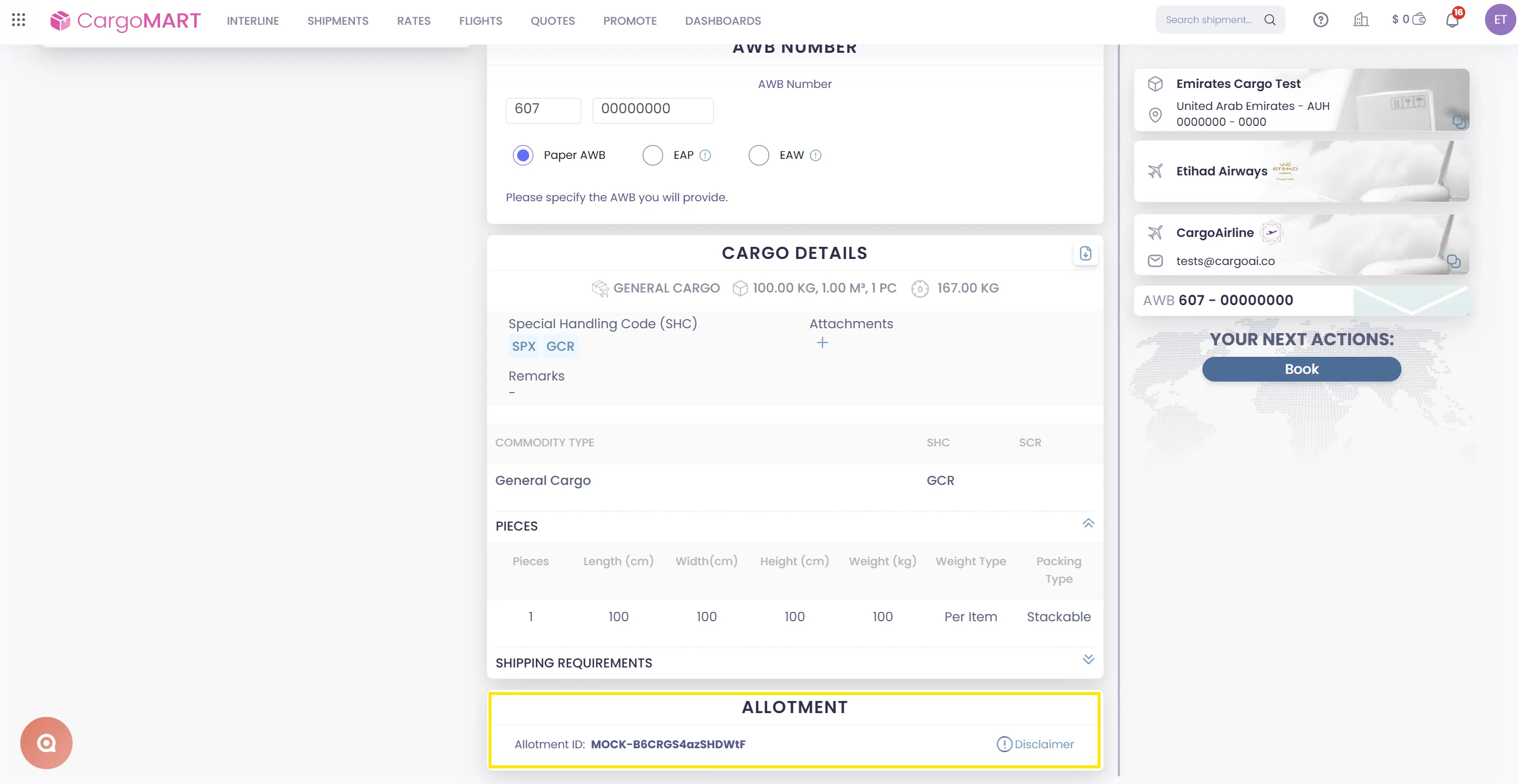
The booking page now includes a dedicated Allotment section displaying the relevant allotment code.
Routes without allotment capacity do not display these indicators.
Gain clearer visibility into allotment-backed Interline options at every stage of the booking journey. Quickly identify relevant capacity and access the associated allotment information without additional manual checks.
Email-to-Interline Search
Turn Emails into Interline Searches
The CargoAi Email Plugin is now available for airlines, making it easier to convert incoming shipment requests into Interline searches.
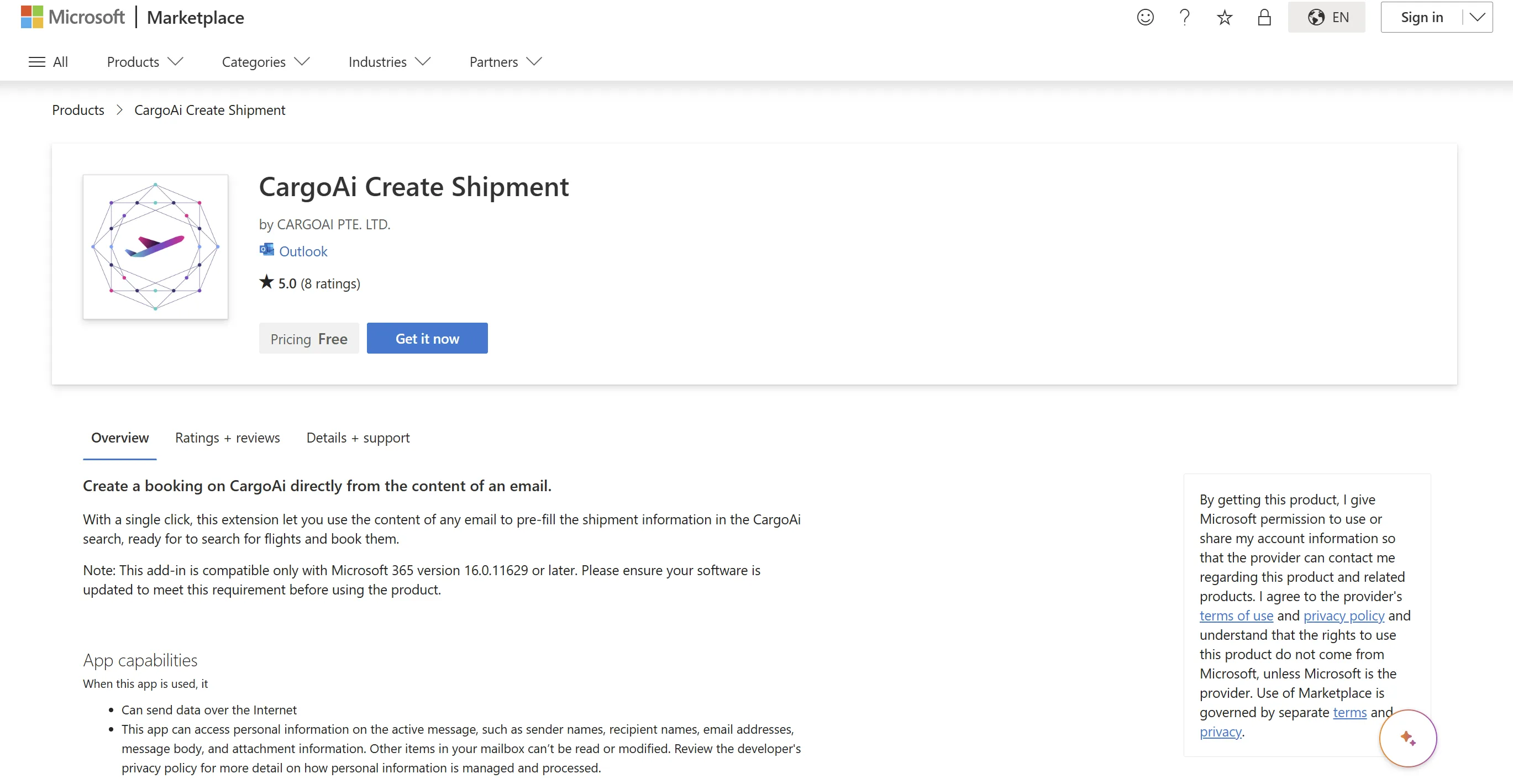
Instead of manually copying shipment details from an email into CargoMART, the plugin automatically extracts the relevant information and transfers it directly to your Interline search.
How it works:
- Open an incoming shipment request from your email.
- Let the CargoAi Email Plugin automatically extract the shipment information.
- Send the extracted details to CargoMART in one click.
- Your Interline search page opens with the shipment information pre-filled.
- Review the details and launch your search.
Reduce repetitive data entry and accelerate the transition from incoming shipment requests to actionable Interline searches. The Email Plugin helps airline teams process requests more efficiently while minimizing manual transcription.
September's CargoMART for Airlines updates bring together smarter search capabilities, clearer allotment visibility, and simplified email-to-search workflows.
These enhancements help airline teams navigate Interline options more efficiently, access relevant booking information, and streamline their daily operations.